Diagnosis of a damaged PCB
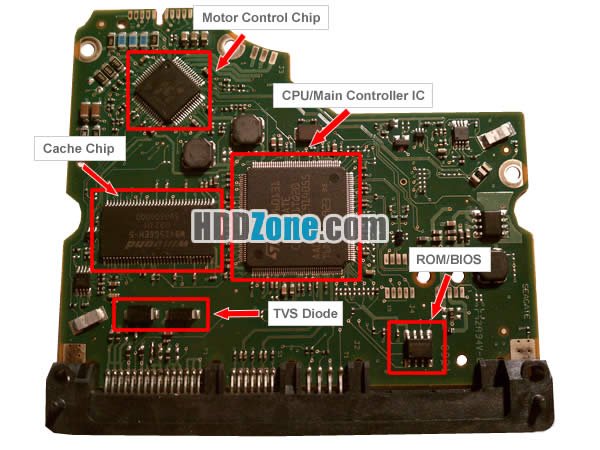
One of the first steps in Data Recovery is assessing the health of the electronics of a hard drive and a replacement of the PCB should occur if
- The PCB appears damaged
- If the hard drive does not spin up then it is usually due to a damaged PCB however this also could also be a symptom of a corrupt ROM chip.
- When diagnosing hard drive PCB’s that do not have a SATA interface. Many new portable hard dives come with a USB interface connected directly onto the hard drive PCB and this can make the drives hard to diagnose for 2 reasons. Firstly most hard drive recovery tools such as PC3000 , Salvation Data can only talk to the hard drive via a SATA interface. Secondly it is quite often the case that these USB drives do not detect a hard drive for any of the following reasons
(Bad USB interface, Bad Initio controller, Corrupt U14 /U12 ROM, Some bridges will not ID themselves until a hard drive is found)
I
Heat Gun to Swap PCB ROM
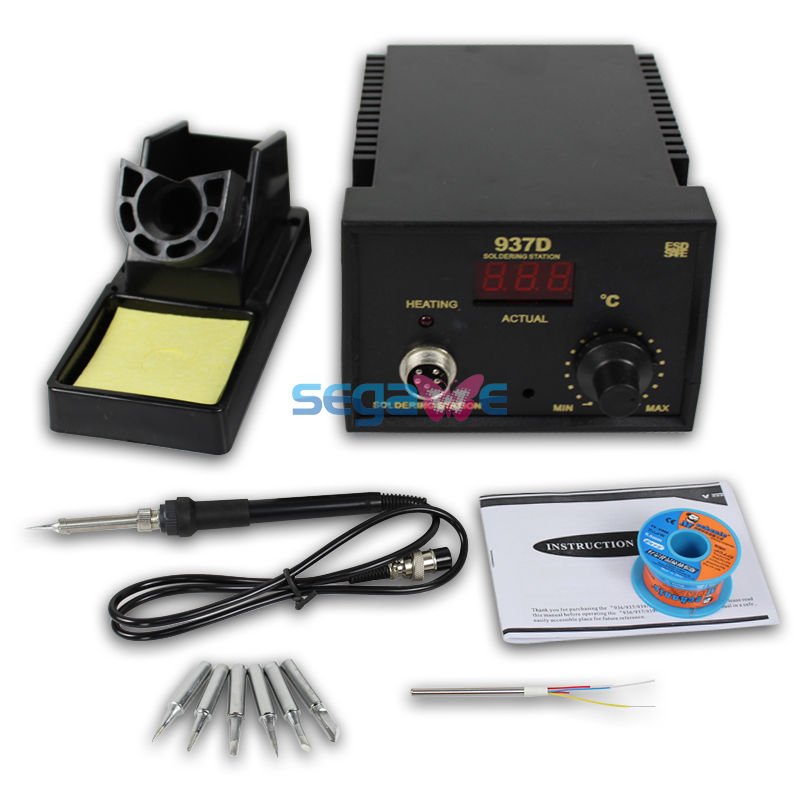
I want to talk specifically about the need to transfer the ROM/BIOS chip identified above when swapping over PCB’s and normally this is done with a Hot Air rework station , see picture below.You use the heat gun to heat the ROM chip to 400 degrees or so , examples of the technique can be found on youtube see https://vimeo.com/108587261
Using a programmer to swap PCB ROM contents
It is also possible and in my opinion preferable to use a separate ROM programmer which can both save the ROM from the client PCB and write to the donor PCB.
I use a Willem programmer , see pic below
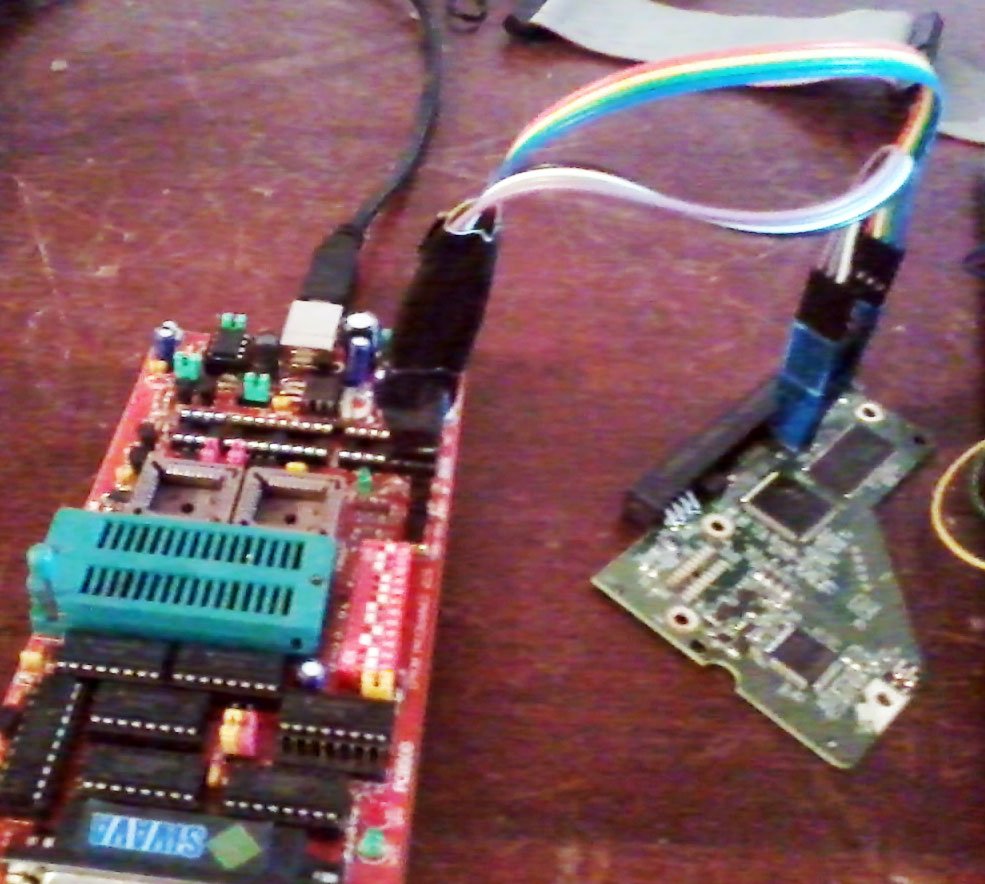
Once you have mastered this technique a transfer of the ROM Bios from patient to donor can be achieved in 10 minutes. Not only is this less intrusive and less dangerous than hot air rework there are other benefits which include
- saving the ROMs of the PCBs
- diagnose whether a ROM chip has become corrupt
- and in addition it force you to examine the ROMs and become familiar with their structure to determine if the ROM is corrupt or not.
It should be noted that using this technique is not always possible and this is especially true with portable 2.5 inch drives which have the USB interface connected directly onto the PCB however most PCB’s with a sata interface be they 2.5 inch or 3.5 inch can have their ROM’s read with this technique.
Address
126 Whatley Crescent