I use data recovery tools from Salvation Data which are specifically designed for Western Digital and Seagate hard drives and they are essential in my daily work when assessing the health of a hard drive.
These tools allow you to do the following tasks;
- Diagnose the health of the drives electronics
- Diagnose the health of the hard drive’s read / write heads
- Read and write to the ROM on the electronics of the hard drive
- Read and write to System Area of the hard drive. The system area contains firmware which controls some aspects of the drives functionality and records data such as defects. see the article on the System Area for more info.
Salvation Data tools for Seagate also allows you to talk directly to the electronics and the firmware on the hard drive via a Terminal Mode however Western Digital drives do not have this capability.
As an example I would use the following commands regularly in diagnosing a seagate hard drives attached to Salvation Data’s tools to determine the hard drives health.
The commands below
F3 T>/2
F3 2>Z Spins down motor
F3 2>U Spins its back up.
If there are any errors when the drive spins up they will be reported.
To test the health of the System Area a good idea is to display SMART data or the grown defects list of G-List .
T>V40 displays the grown defects list.
F3 T>x shows the User Partition and System Partition information
Test heads use following terminal commands:
T>/7
7>X Shows the resistance of each head.
See the screenshot below of the output from Salvation data tools for Seagate using these commands.
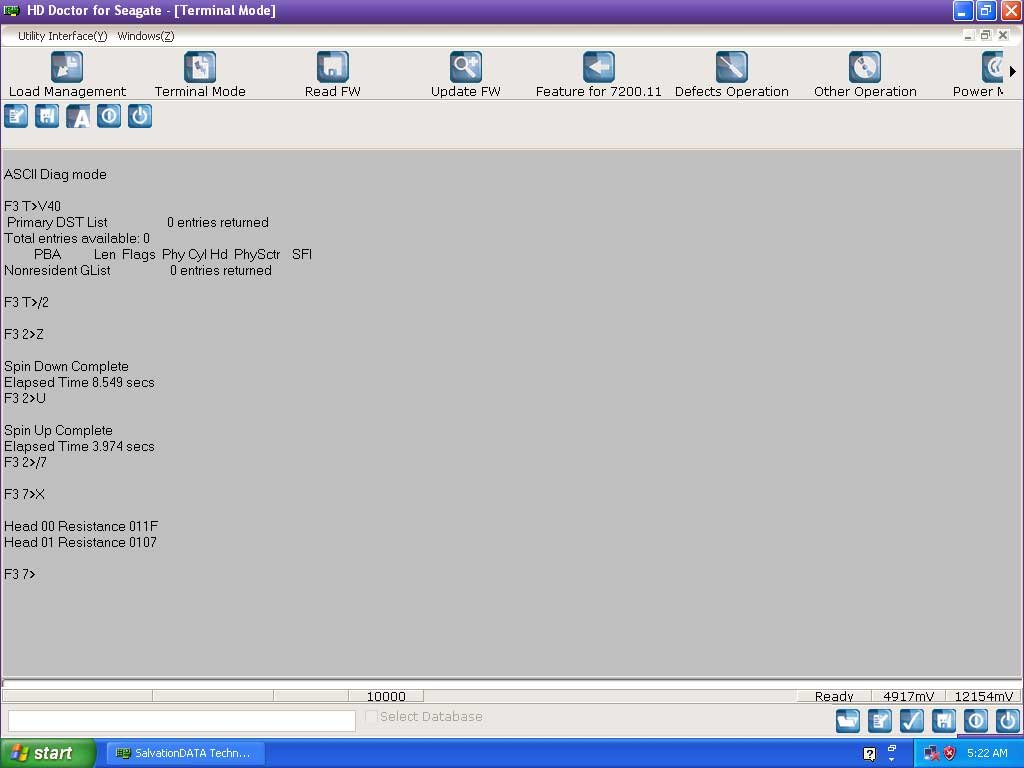
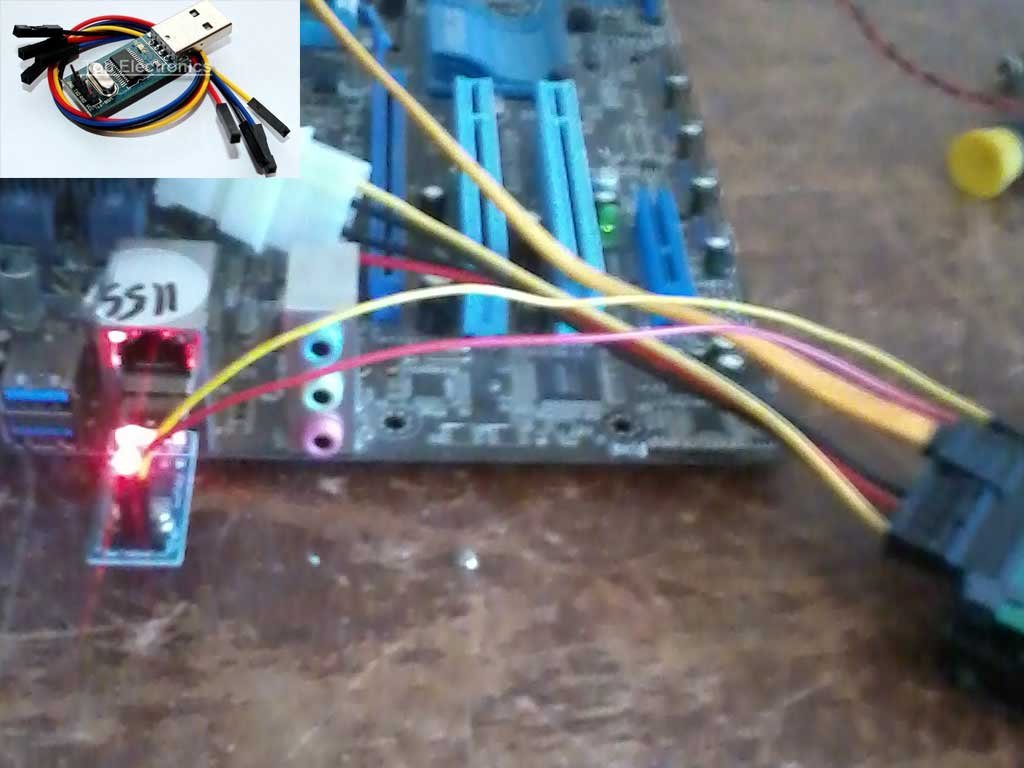
You can also get the same job done with a ten dollar USB to TTL UART RS232 Serial Converter and a terminal program such as Putty see the picture below.
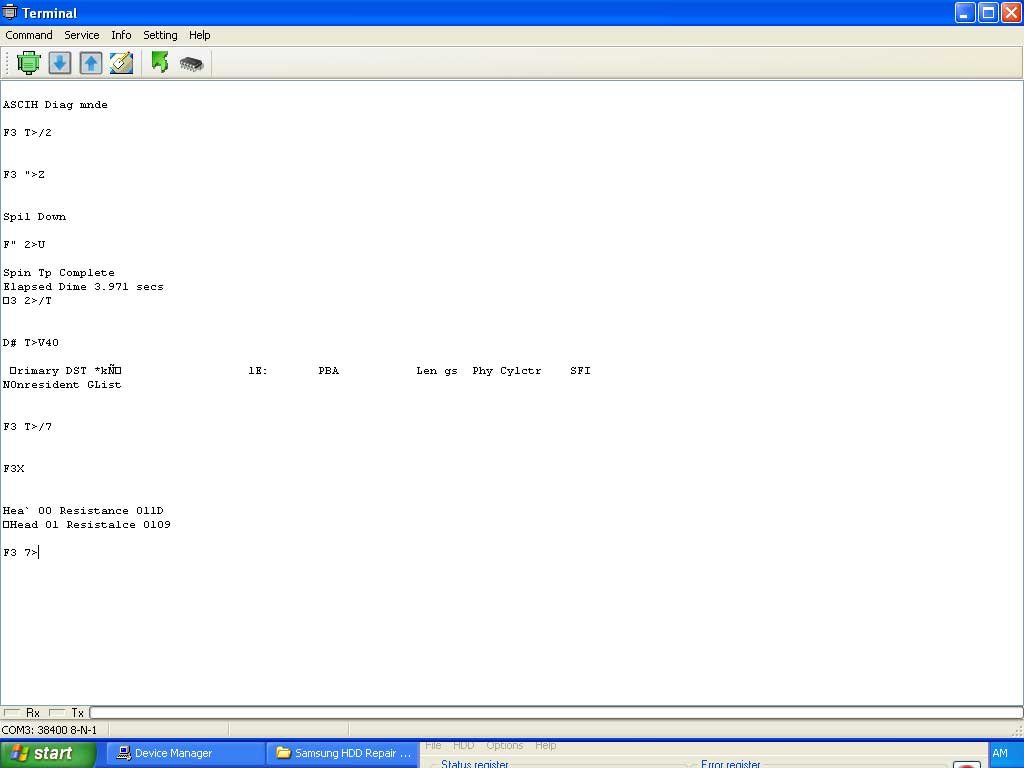
Here is a screenshot of the same commands using the converter and a terminal program.
In addition most hard drives eg Toshiba, Seagate , Fujitsu , Hitachi and Samsung have a Terminal Mode which has a command set to examine and diagnose these drives. It is important to remember that each drive family has it’s own unique command set and that should you choose to try repairing a hard drive this way you should be very familiar with that command set.
It is important to note that finding information about the terminal mode command set for drives other than Seagate is not easy and in addition none of the the other drive manufacturers have command sets which are as rich and powerful as Seagate hard drives.
Address
126 Whatley Crescent